How I Automated the Tracking of the Holiday Metra Train
Table of Contents

Objective
This post is a bit different from my usual content, as it may only be of interest to people living in the Chicagoland area. Chicago’s regional commuter rail is called the Metra, and during the holidays they have several trains that are decked out in holiday lights and the inside is decorated with lights, ornaments, and other holiday decor.
Note: This is not to be confused with the Metra holiday train where you ride it and meet Santa, while they may use the same trains, Metra will also use the holiday trains for regularly scheduled trains in and out of the city.
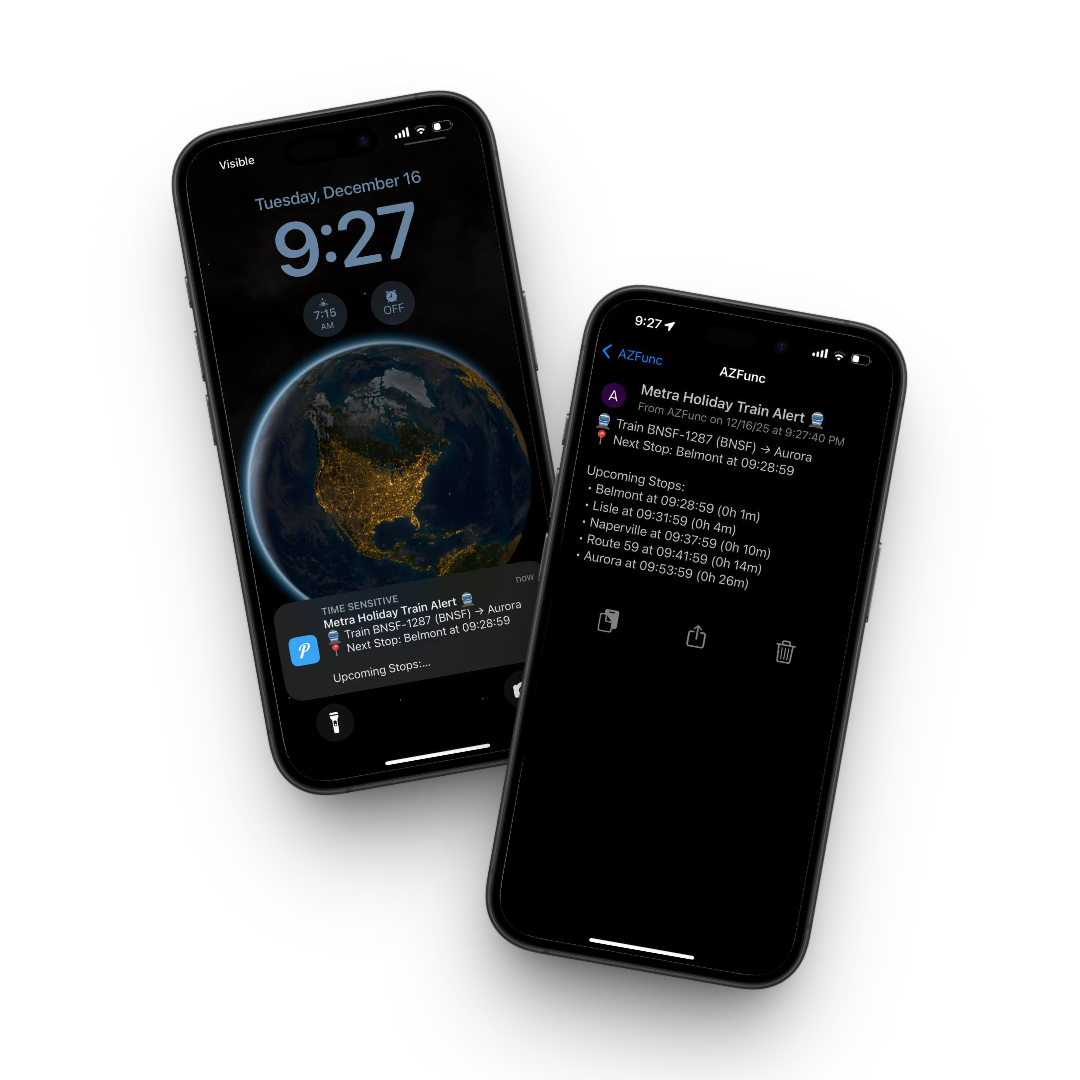
As a father with a kid who loves everything about trains, I looked to see if Metra published a schedule or if there was a way I could track the holiday trains so we could get on it. The only thing I found was the following website that showed where trains were at any given moment, and would show the holiday train as a candy cane circle. The only issue was that I had to constantly go to the website to see when and where the trains would pop up, it wouldn’t know where they were until they were put into service. This gave me the idea on having something automated check to see where the holiday trains were and only if it met certain criteria, alert me via a push notification.
If you don’t care how this all works and just want to subscribe to your train line, you can use the table below to subscribe to a specific train line. Once you download the Pushover app and sign in, you will get notifications whenever a holiday train enters that line.
How I Setup The Automation
The automation uses the following:
- Pushover for mobile notifications
- transitstat.us REST API
- Azure Storage Table (log trains we have notified and do not notify again unless its been >1 hr
- Azure Runbook (runs the automation script on a schedule)
Pushover
Pushover is a service and app (Android, iOS, Desktop) that you can use to push notification’s to different endpoints. I set up a group for each train line so when a holiday train appears on that line, it will send a notification to the users of that group. I also set up subscriptions so people can subscribe to 1 or more line. All you need to do is create your free pushover account, subscribe to 1 or more lines, and install the app. Whenever a holiday train enters a line you subscribe for, it will send you a push notification.
Transit Stat API
The Transit Stat API contains all of the trains, train lines, their current positions, eta, etc. The API also includes a property so we know which train is a holiday train.
Azure
Storage Account
Since I am using an Azure Runbook to run my automation, I decided to also use an Azure Storage Table to log the trains we alert on so we don’t keep alerting on the same trains over and over again. I put a 1hr block in there so if the same train is found on the next run, it will not alert until the time from the previous alert is over 1hr. Some trains run over 1hr so it is possible that it can alert more than once for that train. During rush hour its common to have express trains run to the suburbs in well under an hour and then get put into service going back into the city. In those cases I wanted to ensure that we could alert on the train as it comes back into the city. Metra may or may not use the same train number, I didn’t care to dig into how they number their trains.
Automation Account
I am having my script ran via an Azure Automation Account. This ensures it will run even if my computer is off (since its using cloud compute). I have a schedule set so it runs every 10min.
Review
Hopefully Metra will add a way in the future to easily track the holiday trains because I can’t imagine I am the only one trying to ride it.

My name is Bradley Wyatt; I am a 6x Dual-Microsoft Most Valuable Professional (MVP) in Microsoft Azure and Microsoft 365. I have given talks at many different conferences, user groups, and companies throughout the United States, ranging from PowerShell to DevOps Security best practices, and I am the 2022 North American Outstanding Contribution to the Microsoft Community winner.